
Buying guide · 8 min
Best Value Laptops of 2026 in the United States
Compare processor, memory, storage, display, and battery life to pick a laptop for school, work, or gaming without overpaying.
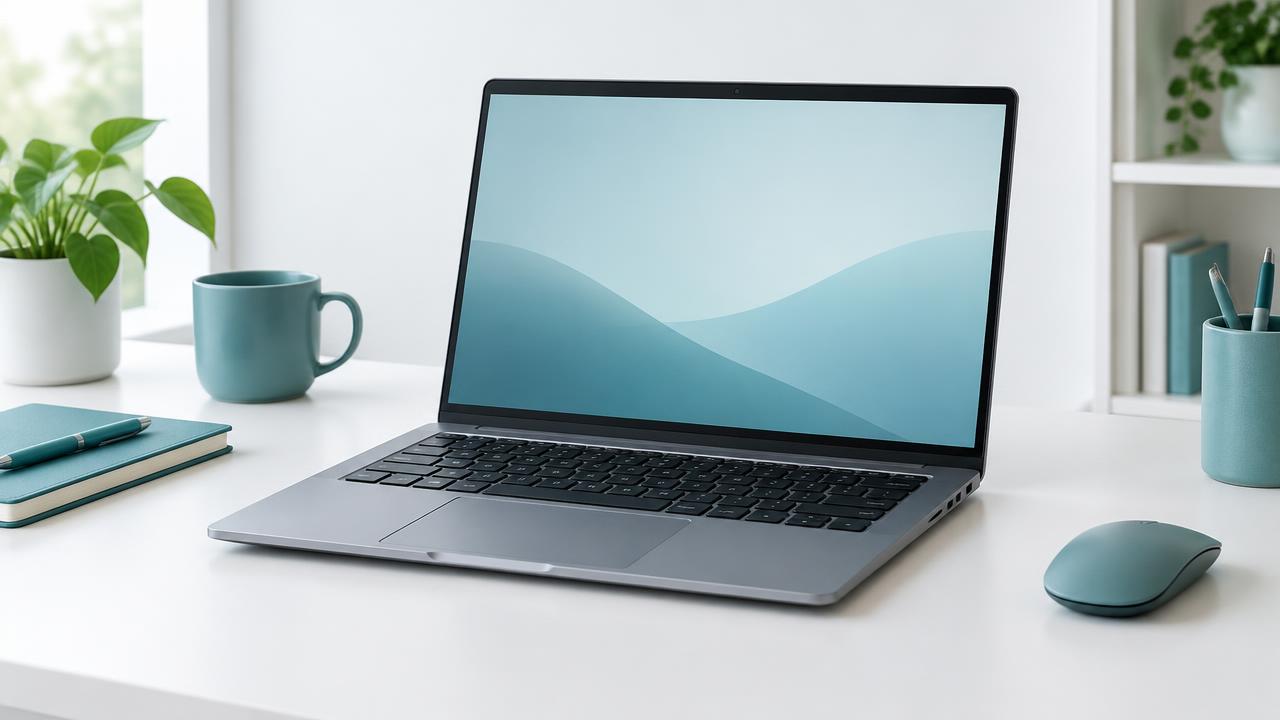
Choose by need
Which model fits you?
For school and browsing
An entry-level processor, 8 GB of RAM, and an SSD keep everyday use smooth.
For work
Choose 16 GB of RAM, a 512 GB SSD, and a Full HD display for multitasking and video calls.
For gaming and editing
A dedicated GPU, solid cooling, and a high refresh rate display make the difference.
What to compare before you buy
Processor
Compare chip generation, not just brand: a recent entry-level chip can beat an older mid-range one.
RAM
8 GB is today's comfortable minimum; 16 GB gives headroom for work and many open apps.
SSD storage
An SSD makes a laptop far faster than a hard drive. Check capacity and upgrade options.
Display and battery
A Full HD (1920x1080) screen and 6+ hours of real battery life matter on the go.
Approved deals
Current laptop deals
the United States · USD
We are checking new deals
No approved products of this type are available right now. Browse the catalog and check back soon.
View all dealsBefore checkout
Important checks
- Check whether Windows is included or the laptop runs ChromeOS.
- Compare weight if you will carry it daily.
- Confirm the warranty and return policy with the retailer.
Common questions
Frequently asked questions
How much RAM does a laptop need?
8 GB is a comfortable minimum for school and browsing. For work with many apps open, 16 GB gives more headroom.
SSD or hard drive?
SSD. It boots and opens apps much faster and is more resistant to drops.
Is a Chromebook enough?
For browsing, documents, and streaming, often yes. If you need specific Windows or Mac software, choose a full laptop.